
Sonic Vein Studio

Write a phrase and let AI Planner perform

Developed in-house across the full stack, with a complete DAW engine. AI instruments and music production in one creative space.

Explore AI Instruments

v0.4.2 · macOS / Universal

What is Sonic Vein Studio?

Sonic Vein develops the full stack in-house, from the DAW core to the AI instrument sound engine. Write phrases, build multitrack arrangements, mix and export in one workstation.

Our AI instruments use neural networks enhanced by physical instrument modeling to generate realistic instrument sounds. AI Planner plans playing techniques and note transitions for your phrases, while every note and performance parameter remains fully editable.

The performance is yours to shape

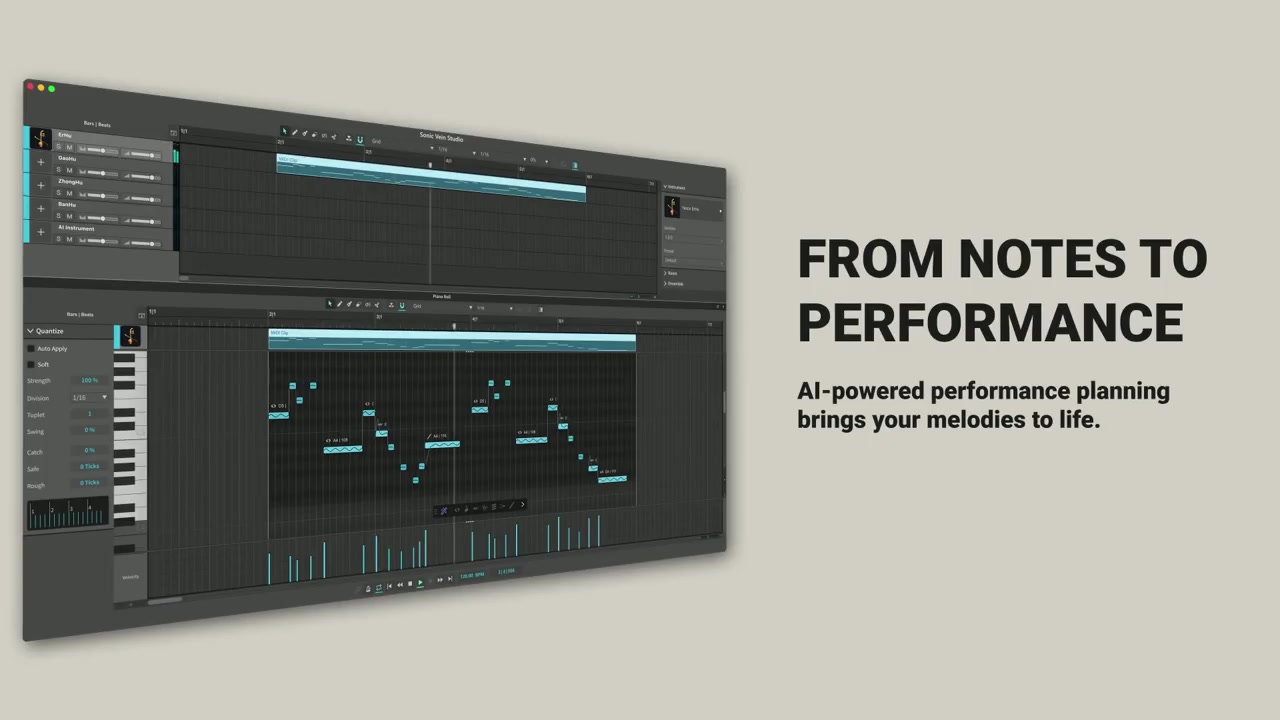
Write a phraseLet AI Planner perform

Write your phrase, then let AI Planner arrange its techniques and transitions. Use the result straight away, or follow your own ideas. Every note and performance parameter remains fully editable.

Write · AI Planner
MIDI → AI PLANNER → PERFORMANCE

Write · AI Planner

Write pitches, rhythms and note lengths in the piano roll, then run AI Planner to turn your phrase into an expressive performance.

AI Planner

AI Planner arranges playing techniques and transitions between notes, bringing your musical ideas into the performance.

Sonic Vein Studio

One workstationFor your finished track

Bring performance editing and production together, from piano roll and multitrack arrangement to mixing, effects, and audio export.

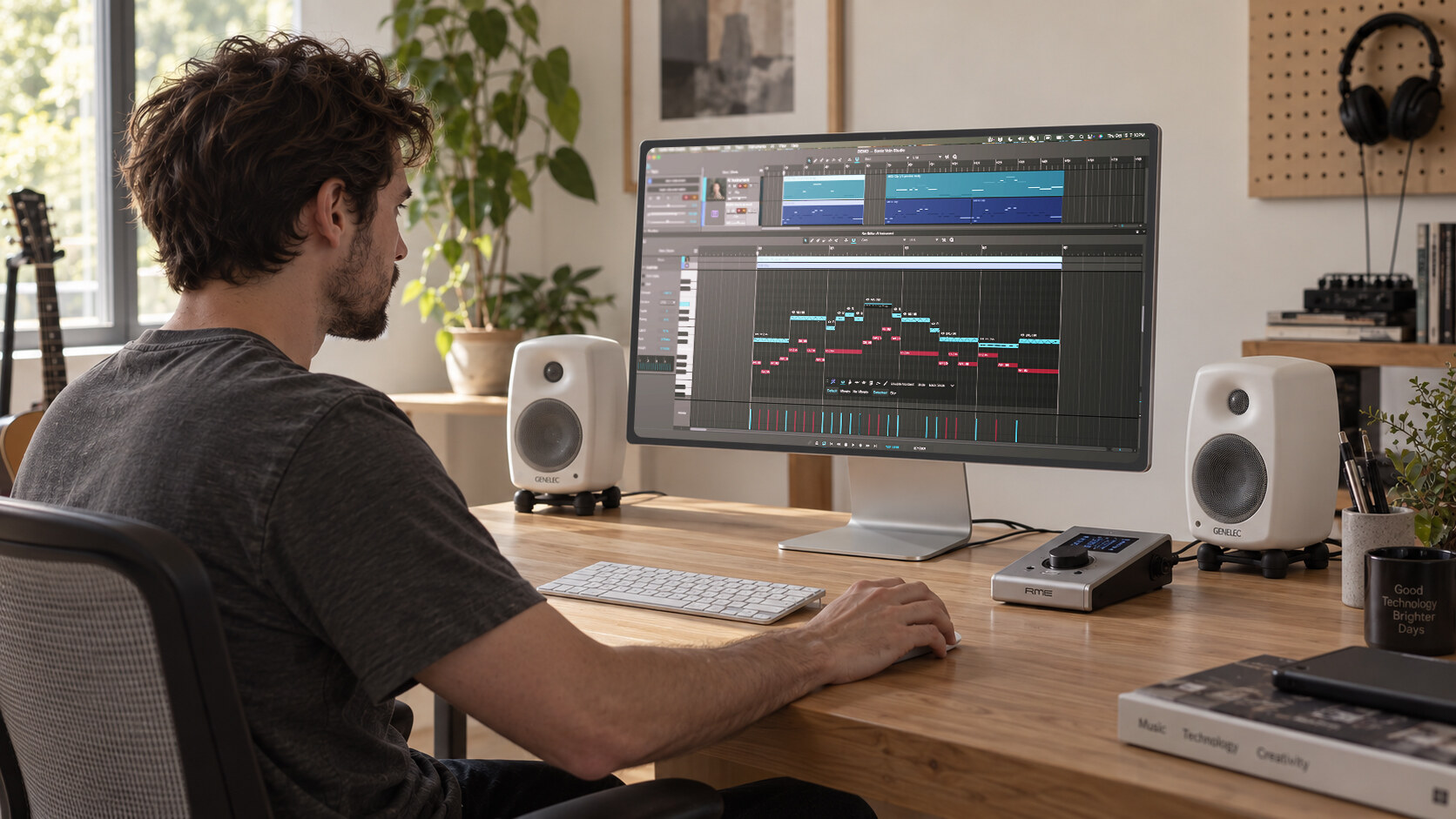
A music creation scene with Sonic Vein Studio

Arrange Your Music

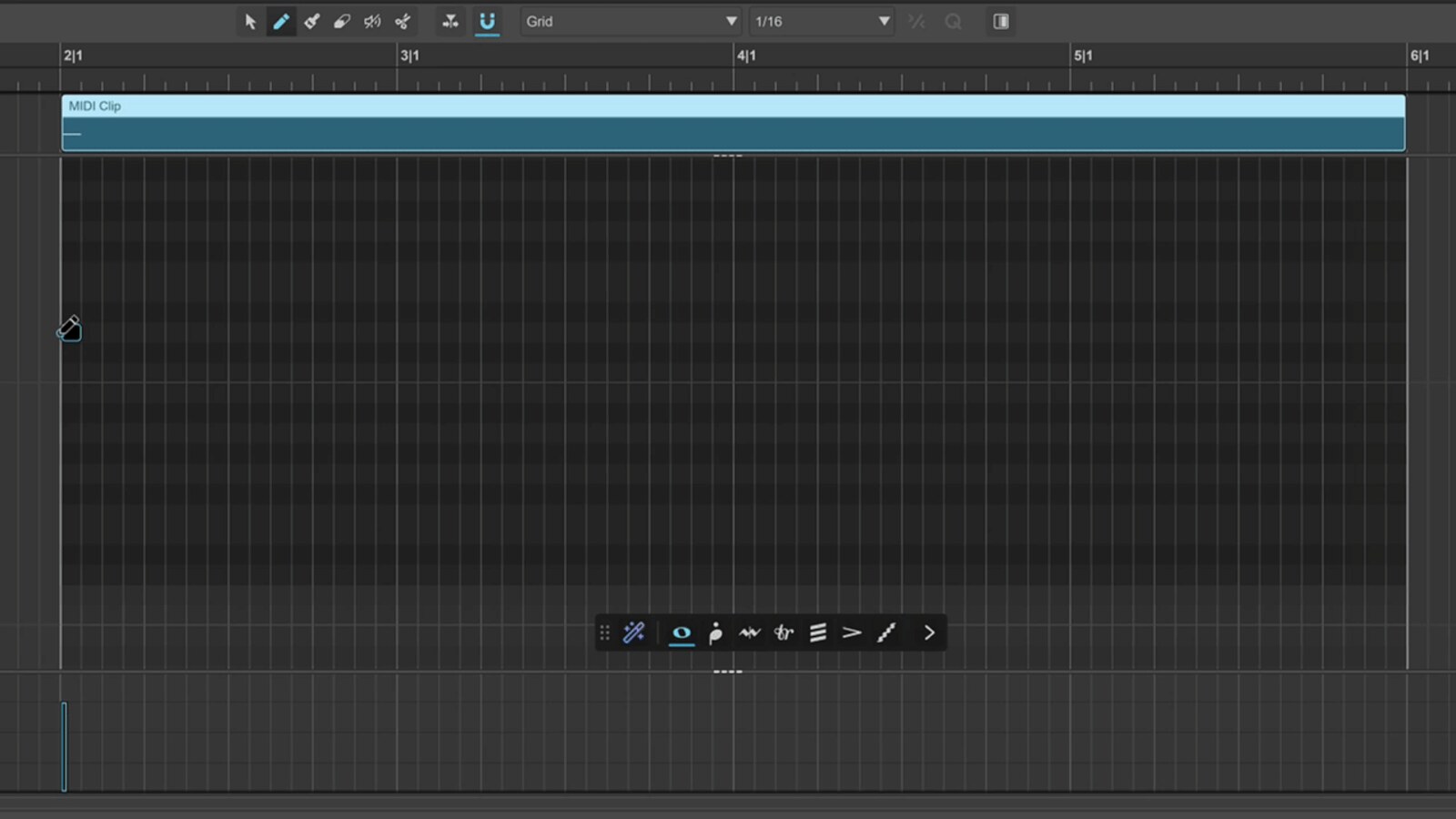
Edit MIDI and audio clips, and organize structure, tempo, and time signatures on a multitrack timeline.

  • Organize MIDI and audio clips on the same timeline.
  • Develop phrases into arrangements with tempo, time signatures and multiple tracks.
Shape Performance and Space

With supported AI instruments, adjust ensemble size and performance variation, then blend close, main, and room microphones.

  • Set ensemble size and performance variation in supported AI instruments.
  • Blend close, main and ambient microphones to shape distance and space.

Finish the Mix

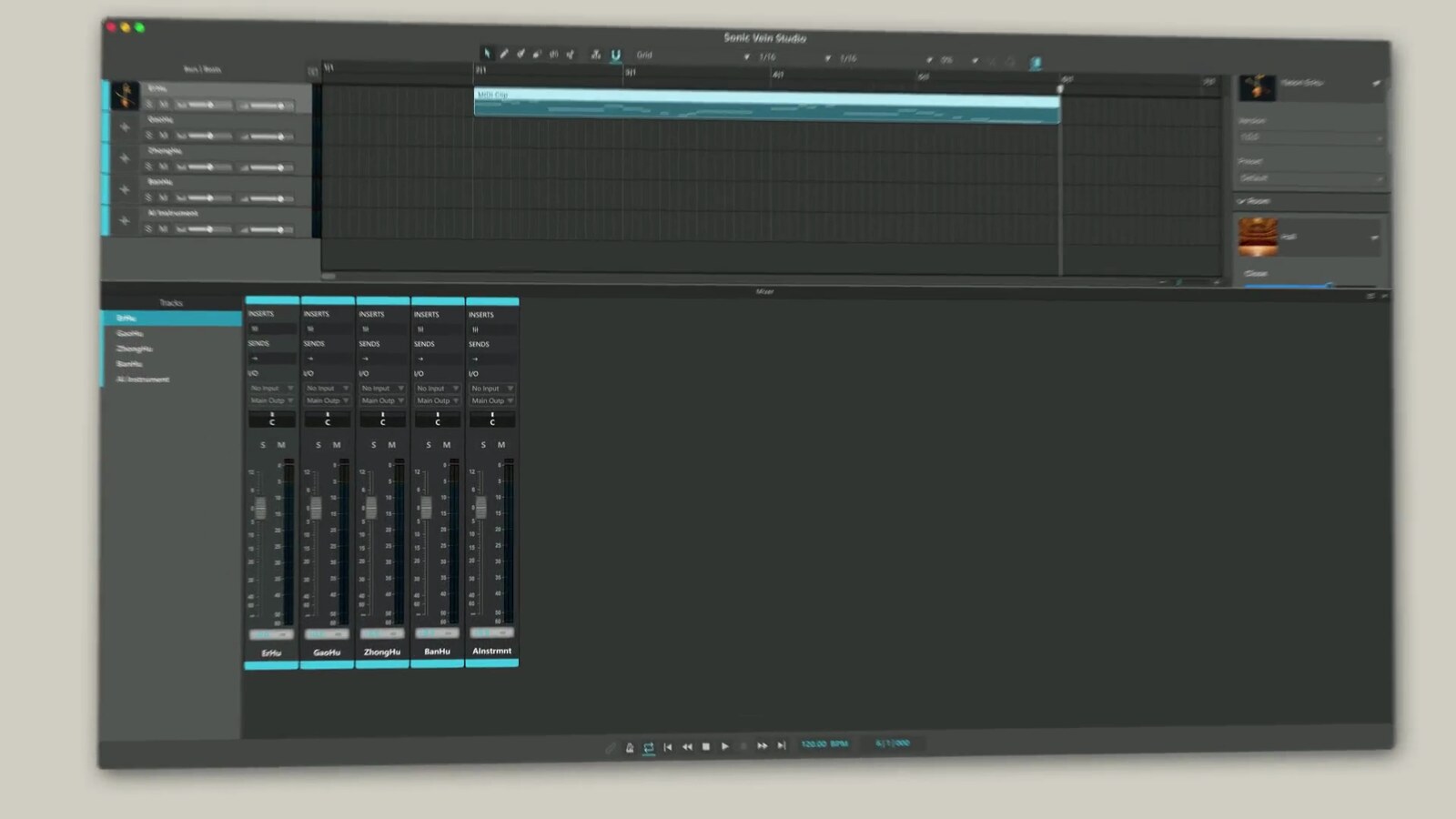
Use the mixer, buses, sends, and compatible VST3 plugins to shape levels, panning, and effects.

  • Organize track processing through buses and sends.
  • Use compatible VST3 plugins to shape volume, pan and effects.

Export Your Work

Export track stems or a master WAV for the next stage of production and delivery.

  • Export track stems for the next stage of production.
  • Or deliver your finished mix as a master WAV.

Sonic Vein Studio

Start with your next phrase.

Discover Sonic Vein Studio, choose the right instrument, and start composing and producing.

View User Guides

See each product page for its performance capabilities and requirements.