
Arrange Your Music
Edit MIDI and audio clips, and organize structure, tempo, and time signatures on a multitrack timeline.
Sonic Vein Studio
Write, arrange and mix in Sonic Vein Studio. Let AI Planner shape the performance and AI instruments play your music.
Explore the productsSTUDIO / DAW
Write your ideasBring them to life
From your first note to an AI-planned performance. Arrange, mix and export. Your music happens in Studio.
Listen to Sonic Vein
Classical melodies, Chinese folk phrases and pop ballads. Hear the erhu in different musical settings.
Classical
Chinese folk
Classical · Music by Wei Yuchen
Pop ballad
Chinese folk
Sonic Vein Studio
Bring performance editing and production together, from piano roll and multitrack arrangement to mixing, effects, and audio export.
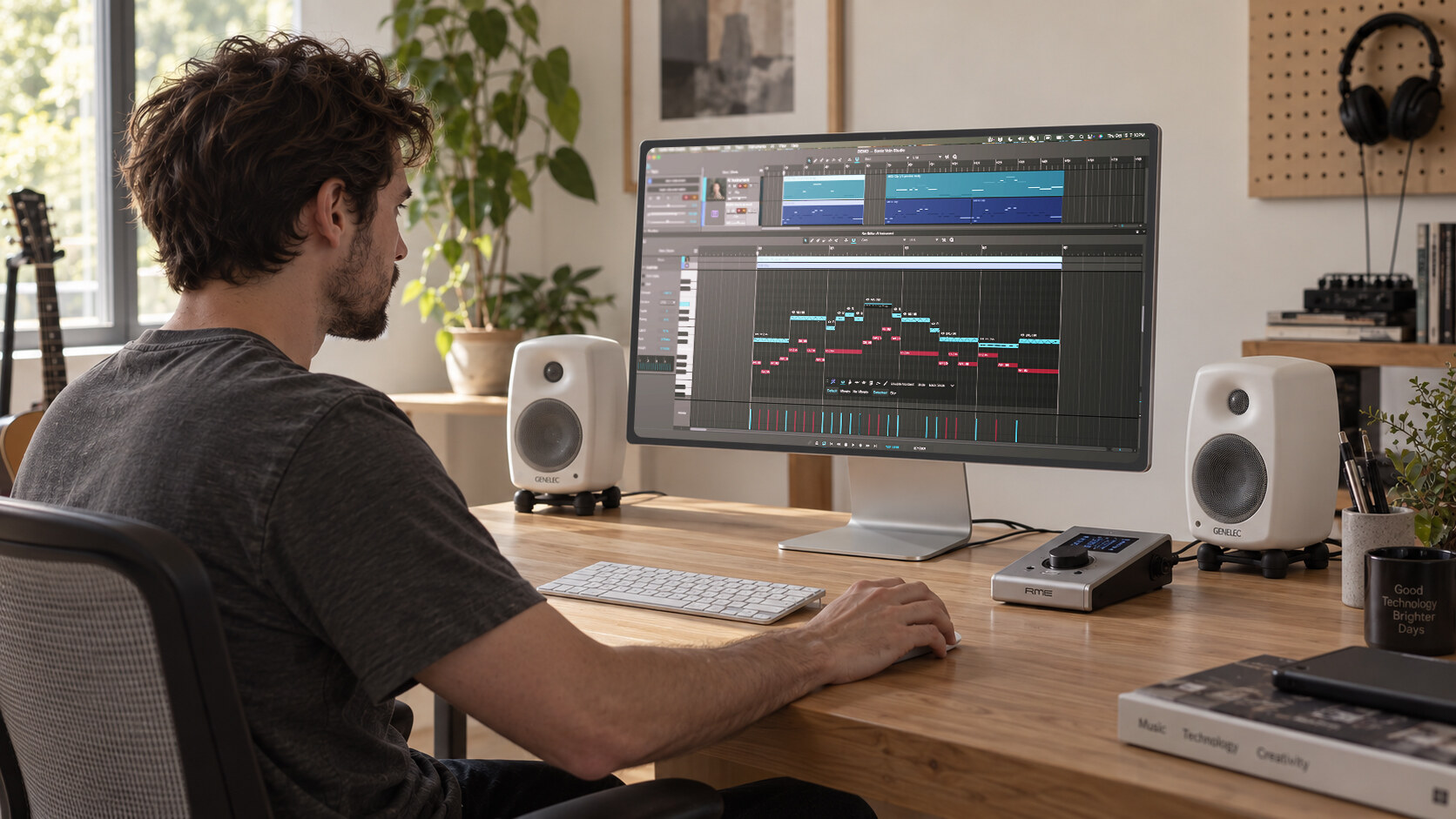
Edit MIDI and audio clips, and organize structure, tempo, and time signatures on a multitrack timeline.
With supported AI instruments, adjust ensemble size and performance variation, then blend close, main, and room microphones.
Use the mixer, buses, sends, and compatible VST3 plugins to shape levels, panning, and effects.
Export track stems or a master WAV for the next stage of production and delivery.
Sonic Vein Instruments
Explore Sonic Vein instruments, listen to demos, and learn about their performance capabilities and requirements.
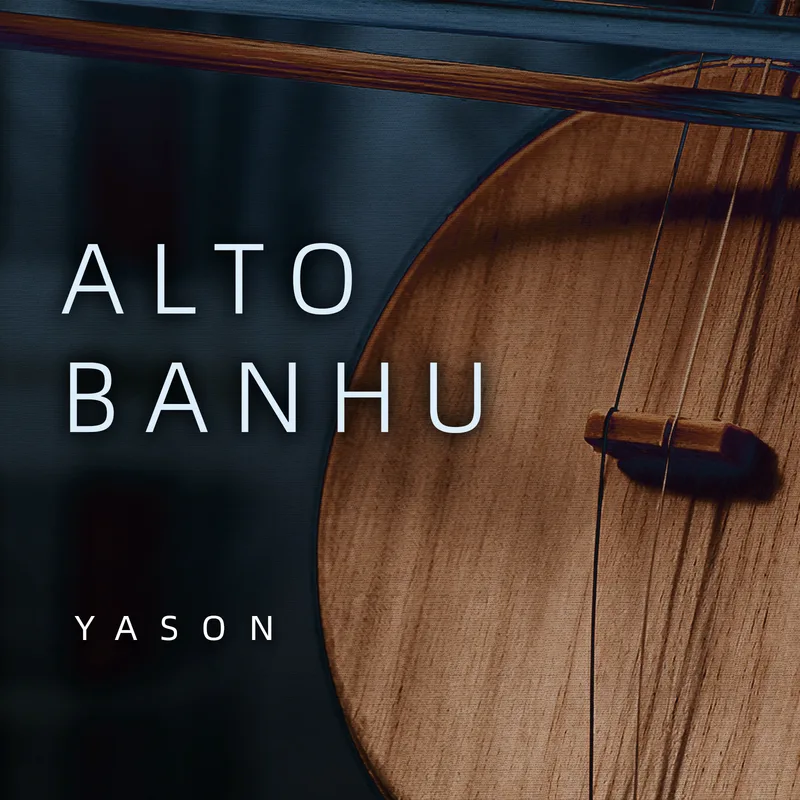
Yason Huqin Series · Alto Banhu Instrument Library
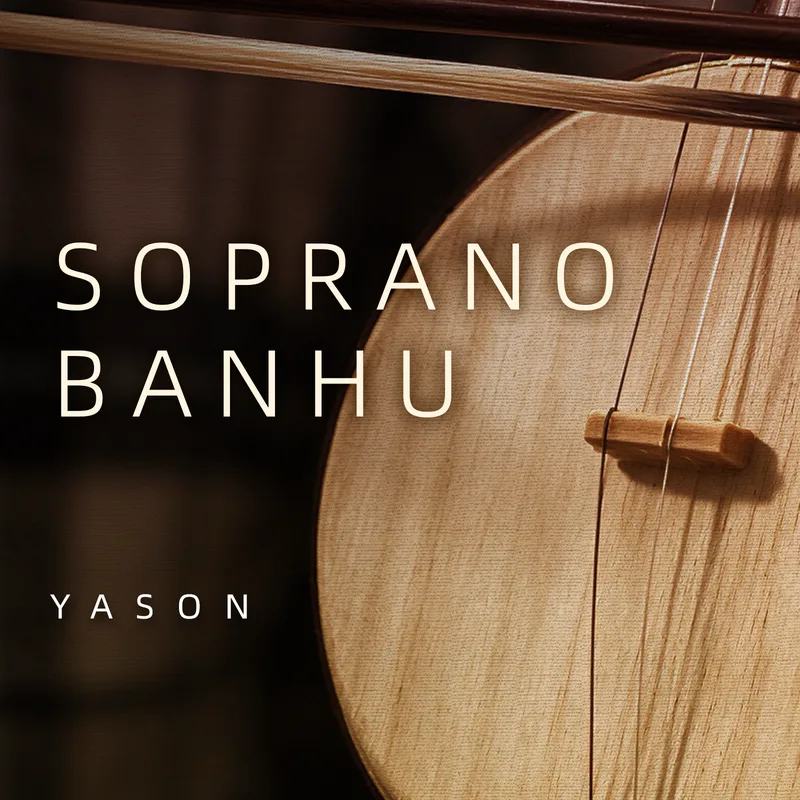
Yason Huqin Series · Soprano Banhu Instrument Library

Yason Huqin Series · Zhonghu Instrument Library
Yason Huqin Series · Gaohu Instrument Library
Scroll to explore more instruments
The performance is yours to shape
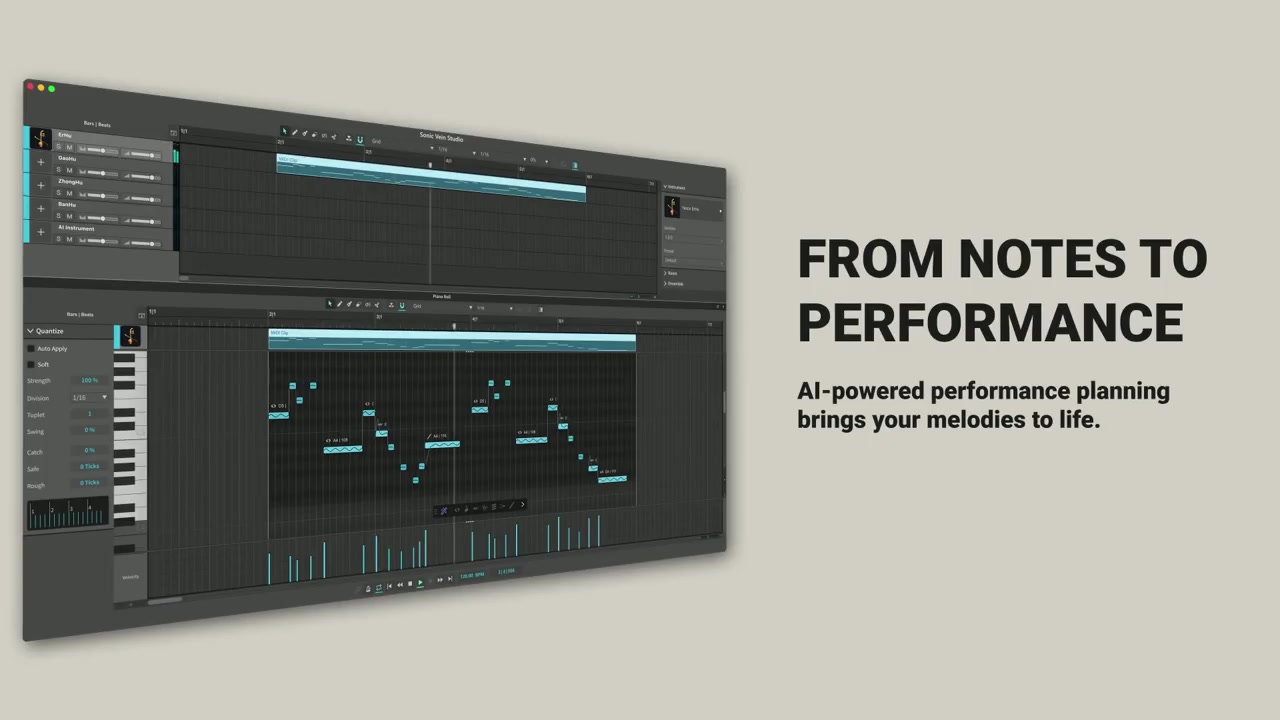
Write your phrase, then let AI Planner arrange its techniques and transitions. Use the result straight away, or follow your own ideas. Every note and performance parameter remains fully editable.
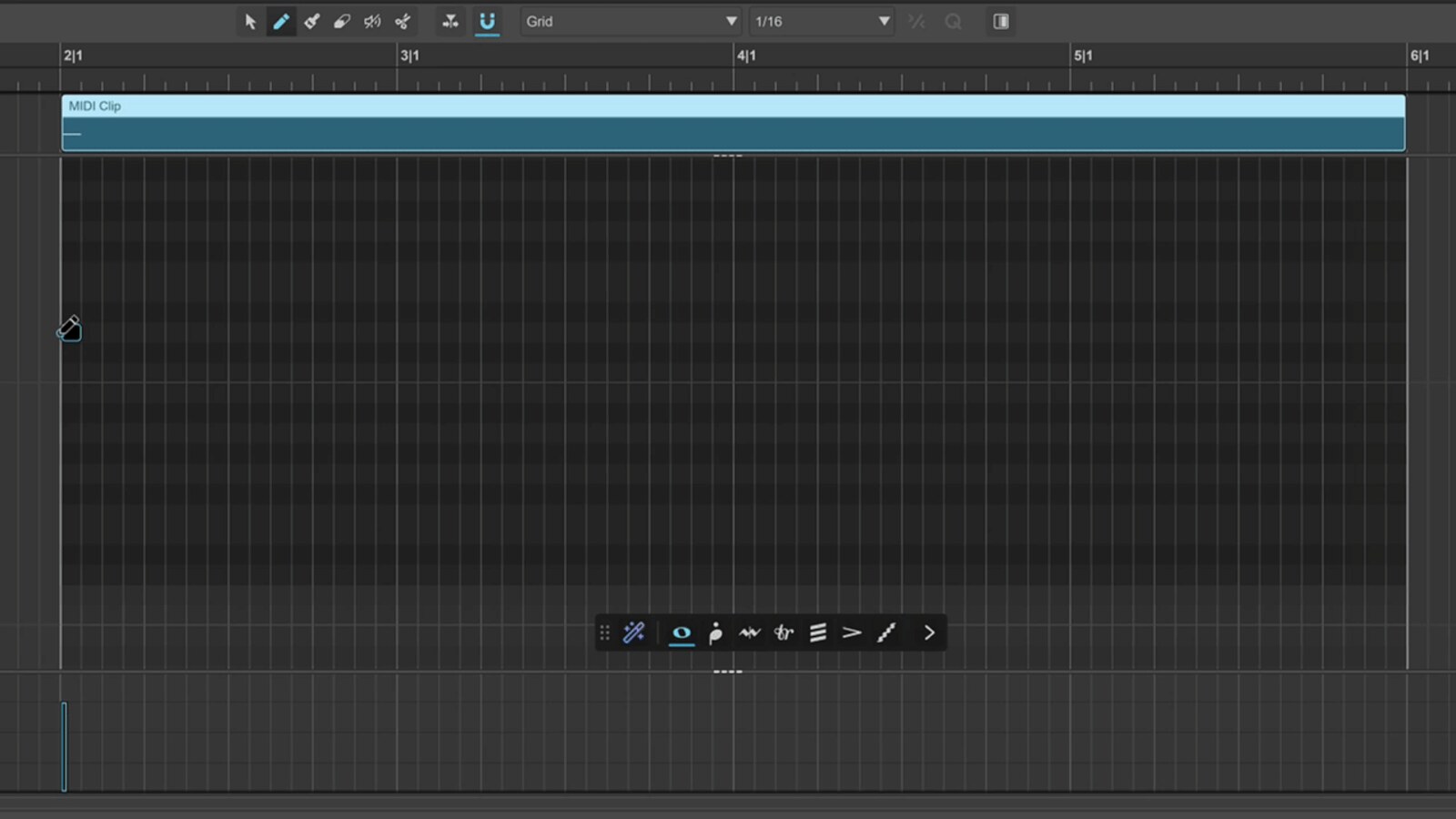
Write pitches, rhythms and note lengths in the piano roll, then run AI Planner to turn your phrase into an expressive performance.
AI Planner arranges playing techniques and transitions between notes, bringing your musical ideas into the performance.
Developed by Sonic Vein
Sonic Vein develops the full stack in-house, from the DAW core to the AI instrument sound engine. Sound generation, performance planning and music production share one creative environment.
Built from the ground up by a team with extensive DAW development experience. Arrange multitrack MIDI and audio, mix, process effects and export.
Enhance neural networks with physical instrument modeling to generate realistic instrument sounds and performance details.
Plan playing techniques and transitions for your phrases, with freely editable notes and performance parameters.
Getting started
Check the current release, system requirements and installation instructions.
Explore StudioListen to demos and check capabilities and licensing on its product page.
Choose AI instrumentsFollow the guide to install, configure and start writing.
Read the guideStudio is the DAW for editing, arranging, mixing and exporting. AI instruments provide each instrument's sounds and performance capabilities. Check the respective product pages for Studio downloads and instrument purchases and licensing.
Yes. Use a result as it is, or edit notes, techniques and performance parameters. Further adjustments are your choice.
Studio provides multitrack arrangement, mixing, effect processing and WAV export. Organize MIDI and audio tracks, then export a master mix or individual stems.
The Studio product page shows the current release and platform information. Check each instrument's product page and the guide for its requirements, installation and licensing.
Start Creating
Discover Sonic Vein Studio, choose the right instrument, and start composing and producing.
See each product page for its performance capabilities and requirements.